
Parents Horror House gameplay with the parent chasing the player

Walkthrough/House

Interactive route companion

Parents [HORROR]
House walkthrough

The House run moves from changing household objectives into a laptop sequence, pursuit recovery, and the final escape. The exact live HUD wording decides the order in your server. Use the ordered House phase groups for HUD priority, laptop and pursuit handoff, escape, and stuck-state checks.

Start at my current phase
Community House run checked August 2, 2026
Observed route shape

Household objectives → survival-state checks → laptop preparation and use → pursuit → return to the interrupted task → escape

Live run companion

Where are you right now?

0% · 0 of 18 route actions checked

House · Phase 1 of 6

Lock onto the first household objective

The checked House run is driven by an on-screen objective list. Treat the current line as your route marker instead of searching the entire house.
Look for this

A named household action or object on the objective display.

Do this now

Before you move on

  • The objective text advances to a new task.
  • You can name the last finished action before you move away.

If this phase fails

  • If the HUD does not change, retry the nearest matching prompt once.
  • If another player is active, ask whether they completed a linked task elsewhere.

What we are not guessing: The checked footage supports changing household objectives, not a permanent objective count or one fixed order for every update.

Check the actions you have confirmed

I’m stuck now

What broke the run?

House recovery

Rebuild the House objective state

  1. Read the full HUD line again.
  2. Retry the nearest matching interaction once.
  3. Check whether the laptop or another prerequisite is named.
  4. Ask whether a teammate advanced a linked task elsewhere.
Open the full House guide →

Progress stays in this tab until you save it on this device.

Use this guide safely

What stays useful—and what can change.

The route desk follows what is visible in the checked game footage and official surfaces. It does not convert one recorded run into permanent game rules.

Reliable route signals
  • The on-screen objective list is the primary route signal.
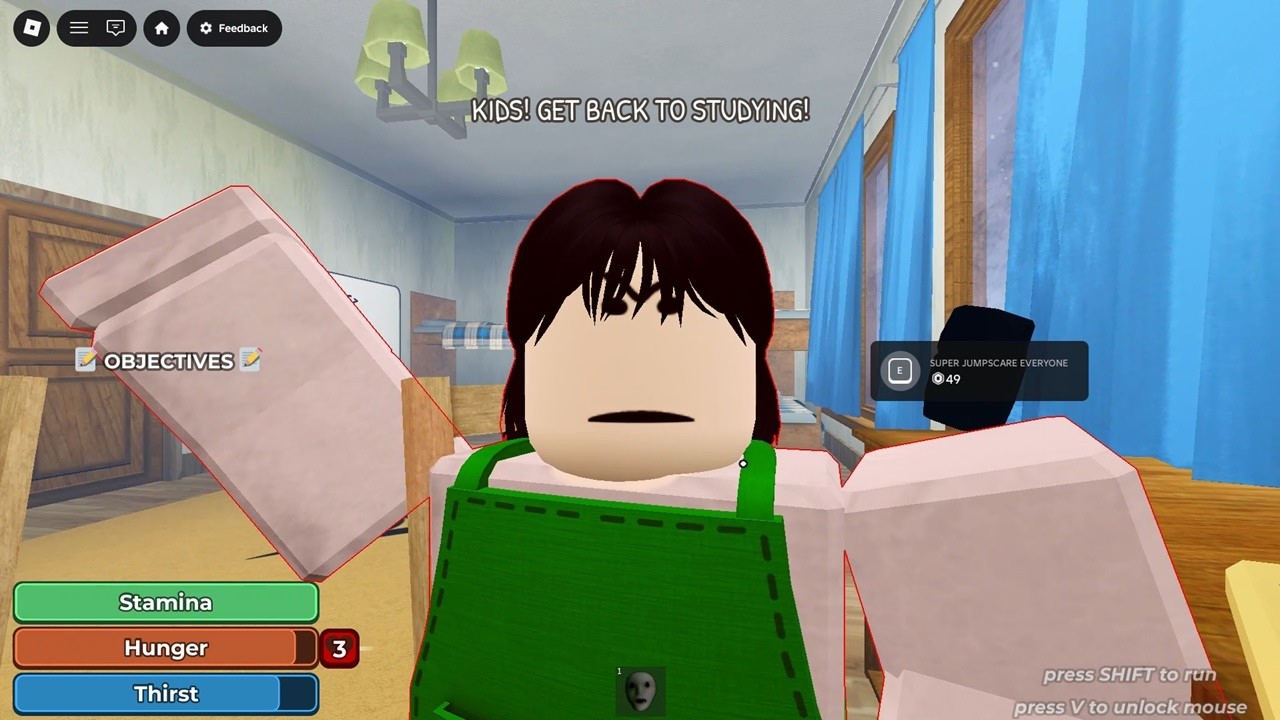
  • House gameplay includes household interactions, survival meters, a laptop phase, pursuit, and escape.
  • Closet and shower hiding interactions exist; official badge names support that much.
  • Multiplayer and revives exist, so a team can coordinate task and recovery roles.
Recheck in your live server
  • Exact item locations and the permanent order of household tasks.
  • Laptop wait time or whether a future update changes its prerequisites.
  • Parent speed, patrol timing, detection distance, or guaranteed hiding safety.
  • An exact ending count or hidden ending conditions.

Co-op without chaos

Three jobs. One objective state.

  1. 01
    Task player

    Stays on the current household or laptop interaction until the HUD advances.

  2. 02
    Route watcher

    Watches the approach and calls pursuit before the task player abandons the interaction.

  3. 03
    Recovery player

    Keeps the return route clear and stays ready to help after a failed chase.

Run killers

Four mistakes that erase good progress.

Leaving before the HUD changes

An animation or sound is not enough. Confirm the objective text advances before starting another search.
Using all stamina between tasks

The House run shows stamina alongside other survival meters. Keep some movement margin for pursuit.

Hiding without a return plan

A closet or shower is useful only if the recovery leaves you able to resume the interrupted objective.

Splitting at the laptop phase

Keep the interaction player and route watcher synchronized so the team does not lose the next objective state.

Wrong scene?

Switch to the School route.

The School run visibly moves through food, classroom or cleaning work, math, carried items or keys, library and monitor tasks, pursuit, and escape. Follow the live HUD when the order differs.