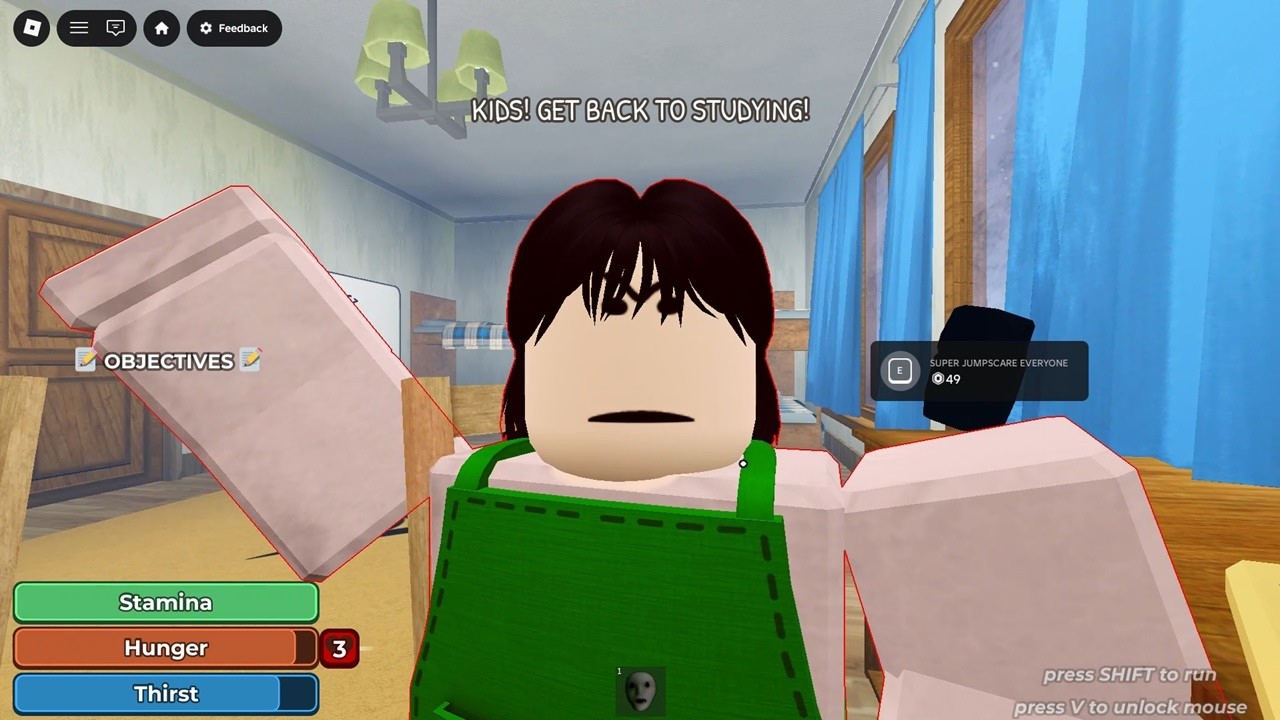
Use the map chooser and shared HUD-first run phases for House or School. The caught-or-lost recovery gives regroup and restart checks without fixed patrol or timing claims. The official Escape Parents badge supports an escape outcome, but an exact ending count or hidden conditions are not claimed.
The checked House run is driven by an on-screen objective list. Treat the current line as your route marker instead of searching the entire house.
Look for this
A named household action or object on the objective display.
Before you move on
The objective text advances to a new task.
You can name the last finished action before you move away.
If this phase fails
If the HUD does not change, retry the nearest matching prompt once.
If another player is active, ask whether they completed a linked task elsewhere.
What we are not guessing: The checked footage supports changing household objectives, not a permanent objective count or one fixed order for every update.
Check the actions you have confirmed
I’m stuck now
What broke the run?
House recovery
Rebuild the House objective state
Read the full HUD line again.
Retry the nearest matching interaction once.
Check whether the laptop or another prerequisite is named.
Ask whether a teammate advanced a linked task elsewhere.